
MS वर्ड के अंदर अलाइन फंक्शन को 4भागो में विभाजित किया गया है
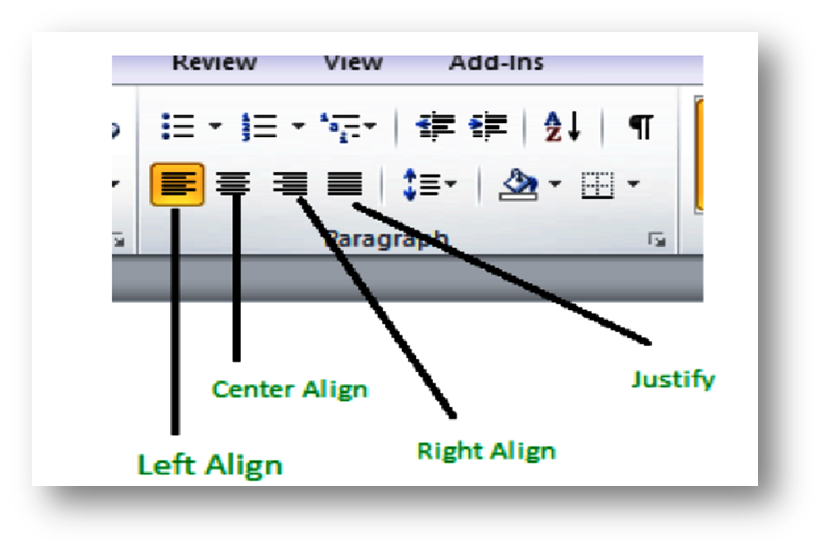
Align left
इसका उपयोग करके आप सेलेक्ट किये गए पेराग्राफ को left से स्टार्ट कर सकते है इसकी शॉर्टकट key ctrl +E है
(Using this you can start the selected paragraph from the left, its shortcut key is ctrl + E)
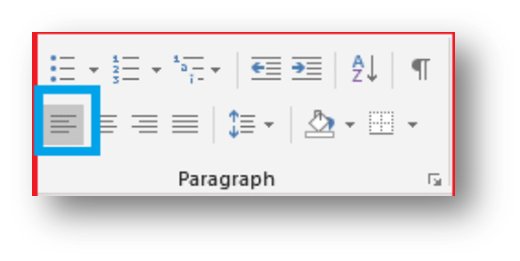
Align Center :-
Align Center :- इसका उपयोग टेक्स्ट को सेंटर में लेन के लिए किया जाता है इसकी शॉर्टकट की भी ctrl +E है
(It is used to center the text and its shortcut key is ctrl+E)
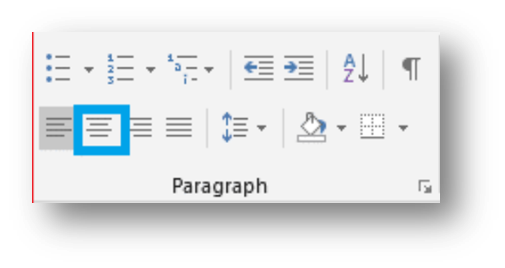
Align Right:-
Align Right:- इस option का इस्तेमाल करके सेलेक्ट किये गए पेराग्राफ को right से अलाइन किया जाता है इसकी शॉर्टकट की ctrl+R है (Using this option the selected paragraph is aligned to the right, its shortcut key is ctrl+R)
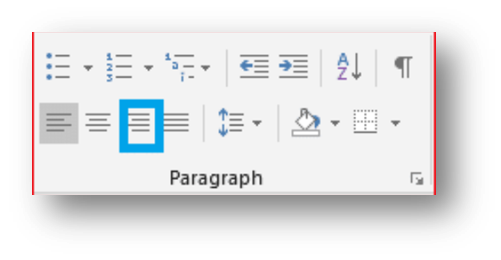
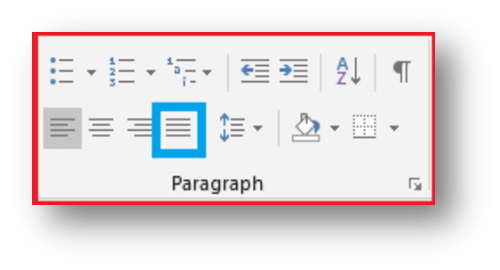
Justify:-
Justify:- इस option का इस्तेमाल करके आप सेलेक्ट किये गए पेराग्राफ को जस्टीफ़ाइड किया जाता है, इसकी शॉर्टकट की ctrl+J है
(By using this option you can justify the selected paragraph, its shortcut key is ctrl+J)
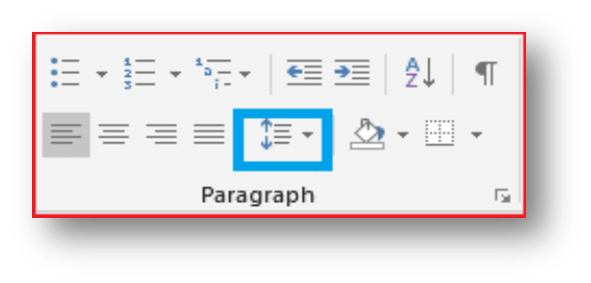
Line and paragraph spacing :-
Line and paragraph spacing :- लाइन and पेराग्राफ स्पेसिंग option का इस्तेमाल कर आप सिलेक्टेड लाइन या paragraph के विच के स्पेस को बड़ा या घटा सकते है
(Using the line and paragraph spacing option, you can increase or decrease the space between the selected lines or paragraphs.)
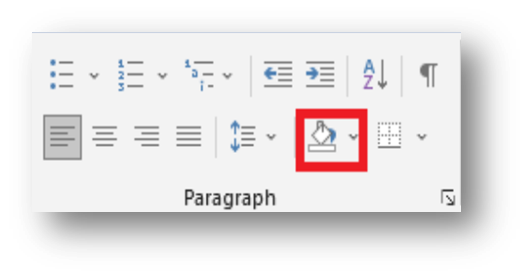
Shading:
Shading: – इस option का इस्तेमाल कर आप अपने paragraph में थीम कलर लगा सकते है, इसमें आपको बहुत सारे कलर के option मिल जाते है (Using this option, you can apply theme color to your paragraph, in this you get many color options
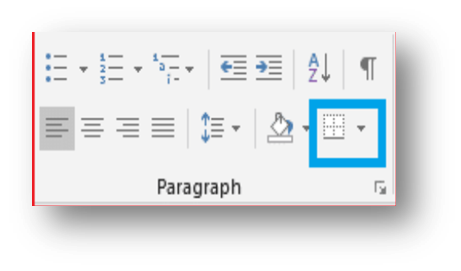
Borders;–
Borders;– इस option का इस्तेमाल कर आप अपने paragraph में बॉर्डर या टेबल लगा सकते है
(Using this option, you can add a border or table to your paragraph.)






Leave a Reply